Blog issue

  • Posted in : BookCard WP
  • goffygoffy
    Participant

    Hi, i created a page in wordpress called “POSTS” as you explain in the documentation: (Create a new page. Select “Blog” template from the page attributes box. This page will show your posts.)
    And i selected this page “POSTS” as a Page in “Theme Options > Pages > Portfolio Page.
    Now if i open my homepage: “http://goffredoferrarese.com” i can see in the middle page, only the the title “Posts” but no articles. Instead if i activate the feature “Resume Page Blog” in “Theme Option > Blog” i can see articles down to resume page. Why? Thanks

    Mehmet S.
    Keymaster

    The way “Theme Options > Pages > Portfolio Page” is for a portfolio page not for a blog page.

    goffygoffy
    Participant

    And if i want to insert a blog page in the middle page of the book? Why there is a feature to create a blog page if I can’t use it? Thanks

    Mehmet S.
    Keymaster

    I will add that feature on a next update.

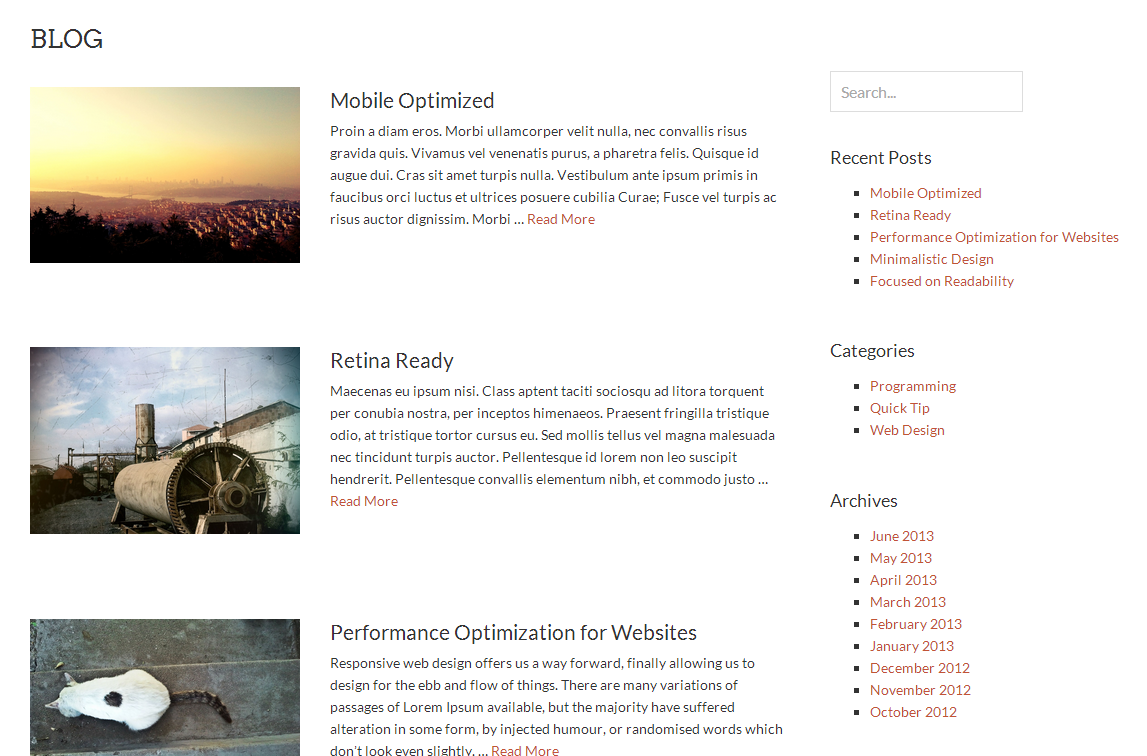
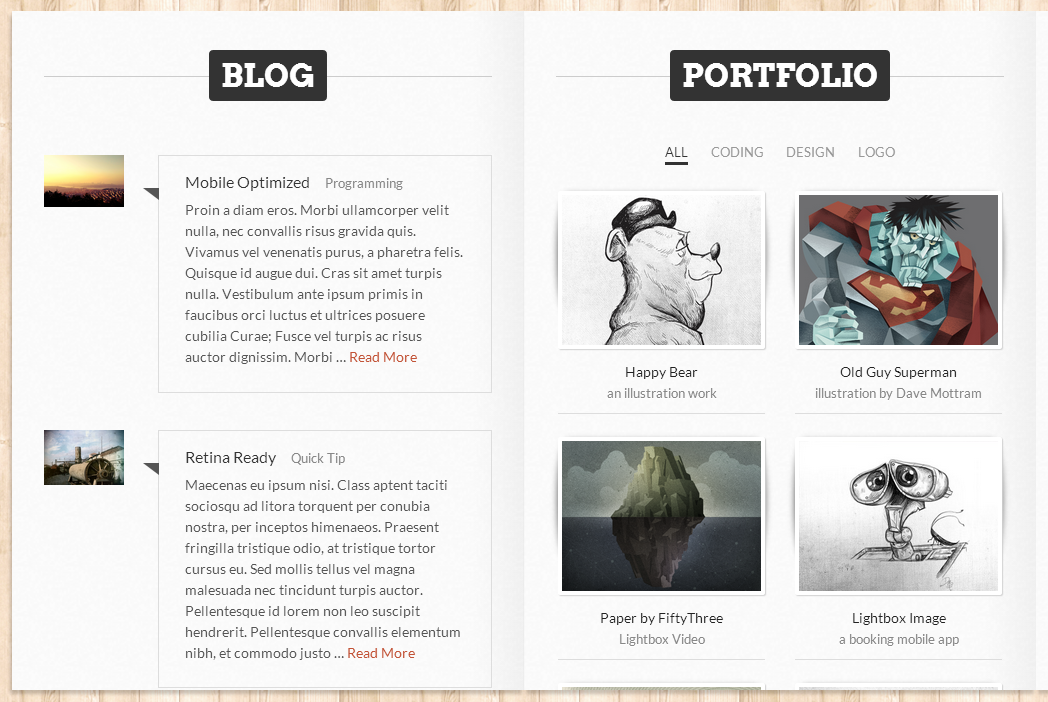
    You can add four type of blog page.

    See in the images: Type 1, Type 2, Type 3, Type 4

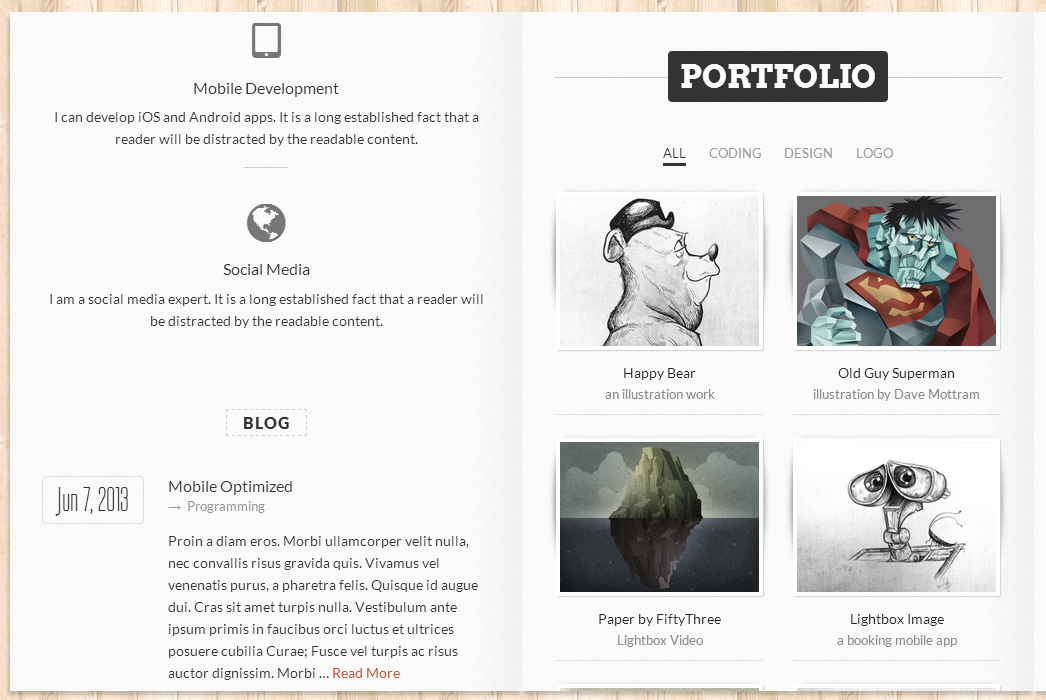
    You can also use the resume and blog pages together. The blog page will be placed to the bottom of the resume page.

    See in the image

    Note: Please take a look to blog section of the theme documentation.

    Thanks

Viewing 4 posts - 1 through 4 (of 4 total)

You must be logged in and have valid license to reply to this topic.

License required for the following item
Login and Registration Log in · Register