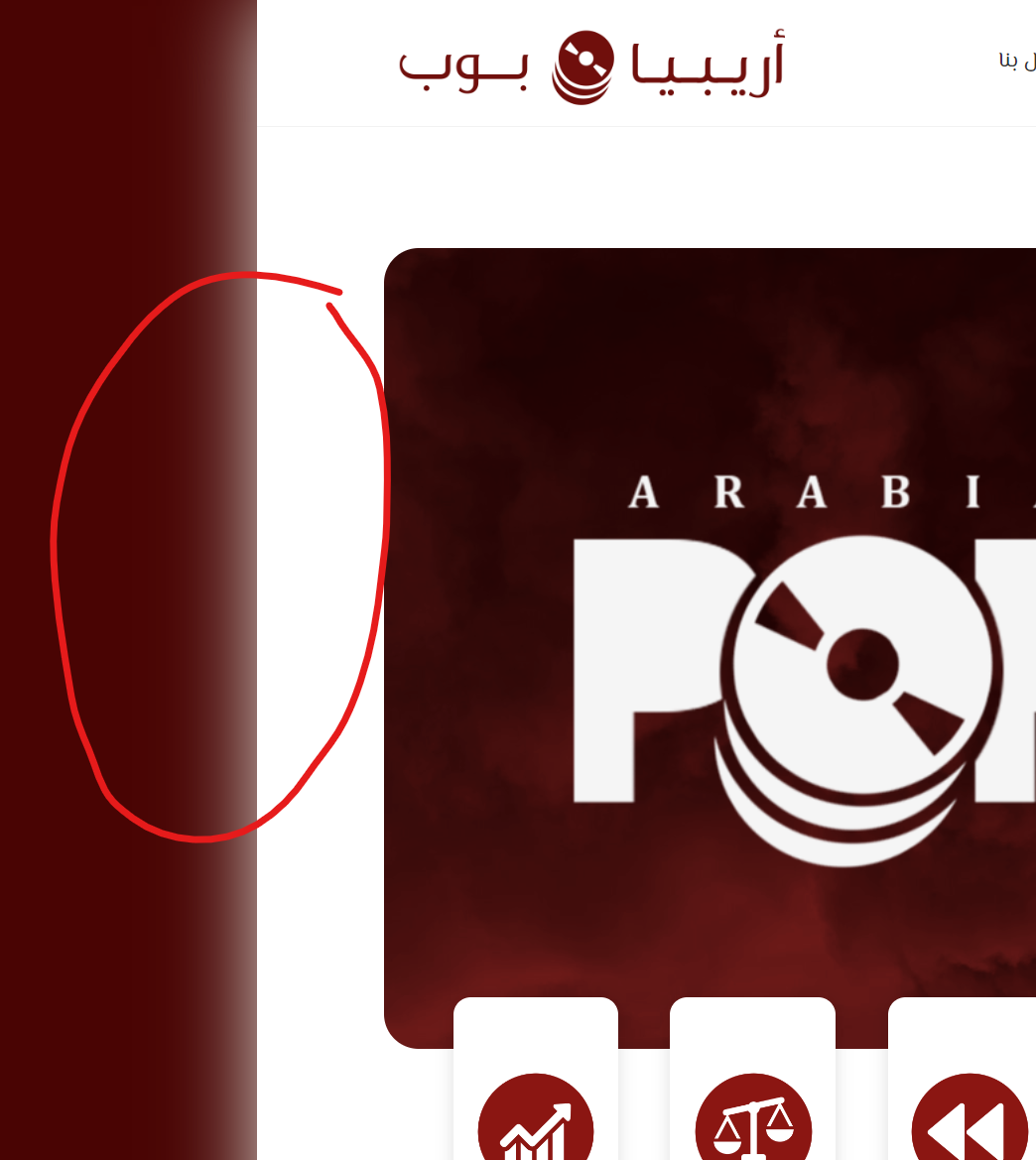
The intensity of the glow in Jim's version of the theme Posted in : TheBlogger arabiapopParticipant 13 December 2023 at 22:48 #86382 In Jim’s version of the theme, there is glow in the right and the left of the theme. Would you mind explaining how I can reduce its intensity and change its color? serkanModerator 16 December 2023 at 19:30 #86400 Hi, Can you take a screenshot and mark the part you want for me? Thank you. arabiapopParticipant 16 December 2023 at 20:09 #86401 I changed the background color of the original “Jim” theme so glow is more obvious, you can see it here: https://arabiapop.com/wp-content/uploads/2023/12/glow2.png serkanModerator 17 December 2023 at 21:53 #86404 Hi, You can remove it with this css code; .is-body-boxed .site, .is-middle-boxed .site-main, .is-content-boxed .content-area { box-shadow: none; } Thanks arabiapopParticipant 17 December 2023 at 22:28 #86405 Thank you very much but I don’t want to remove it, I want to change its color or reduce its intensity serkanModerator 18 December 2023 at 21:35 #86408 Hi, You can use this custom css code .is-body-boxed .site, .is-middle-boxed .site-main, .is-content-boxed .content-area { box-shadow: 0px 0px 15px #ffffb4; } Thanks Viewing 6 posts - 1 through 6 (of 6 total) You must be logged in and have valid license to reply to this topic. License required for the following item TheBlogger WordPress Themeby pixelwars Login and Registration Log in · Register