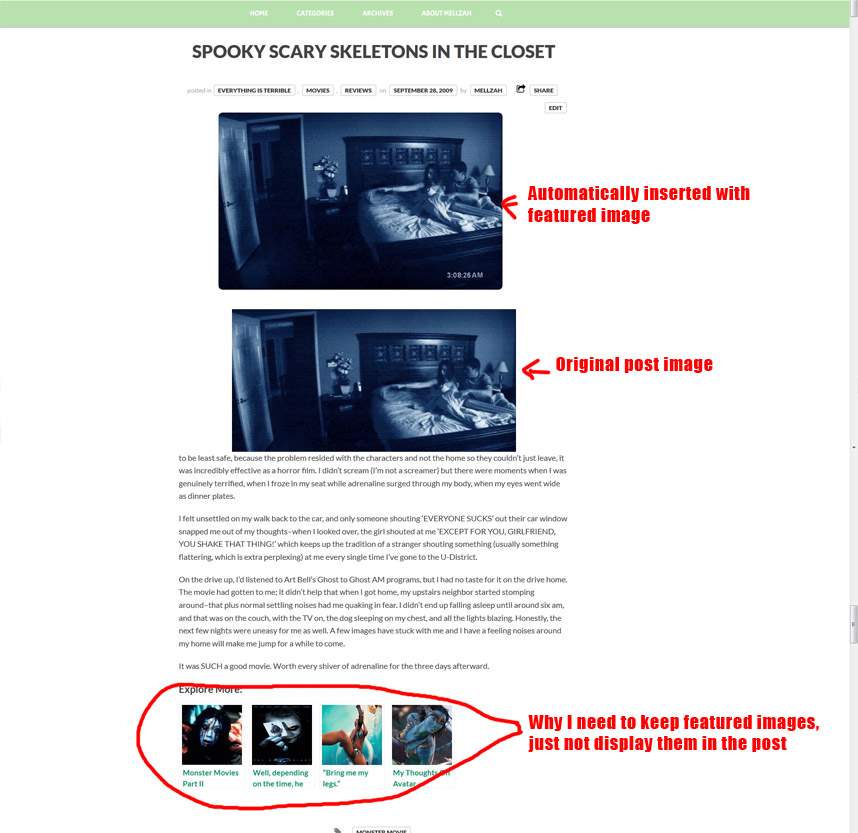
I recently installed Yet Another Related Posts Plugin to direct visitors to related blog posts. This prompted me to install the Auto Post Thumbnail plugin which generates a thumbnail and featured image for each post so a photo appears with each of the related posts suggestions. Unfortunately, setting a featured image puts the image at the top of every post, which I absolutely don’t want. All of the research I’ve done indicates that the option to turn off featured images should be in the theme editor, but I don’t see this in Bloggy. How do I turn off the automatic insertion of the featured image?