
-
Posted in : Lahanna
-
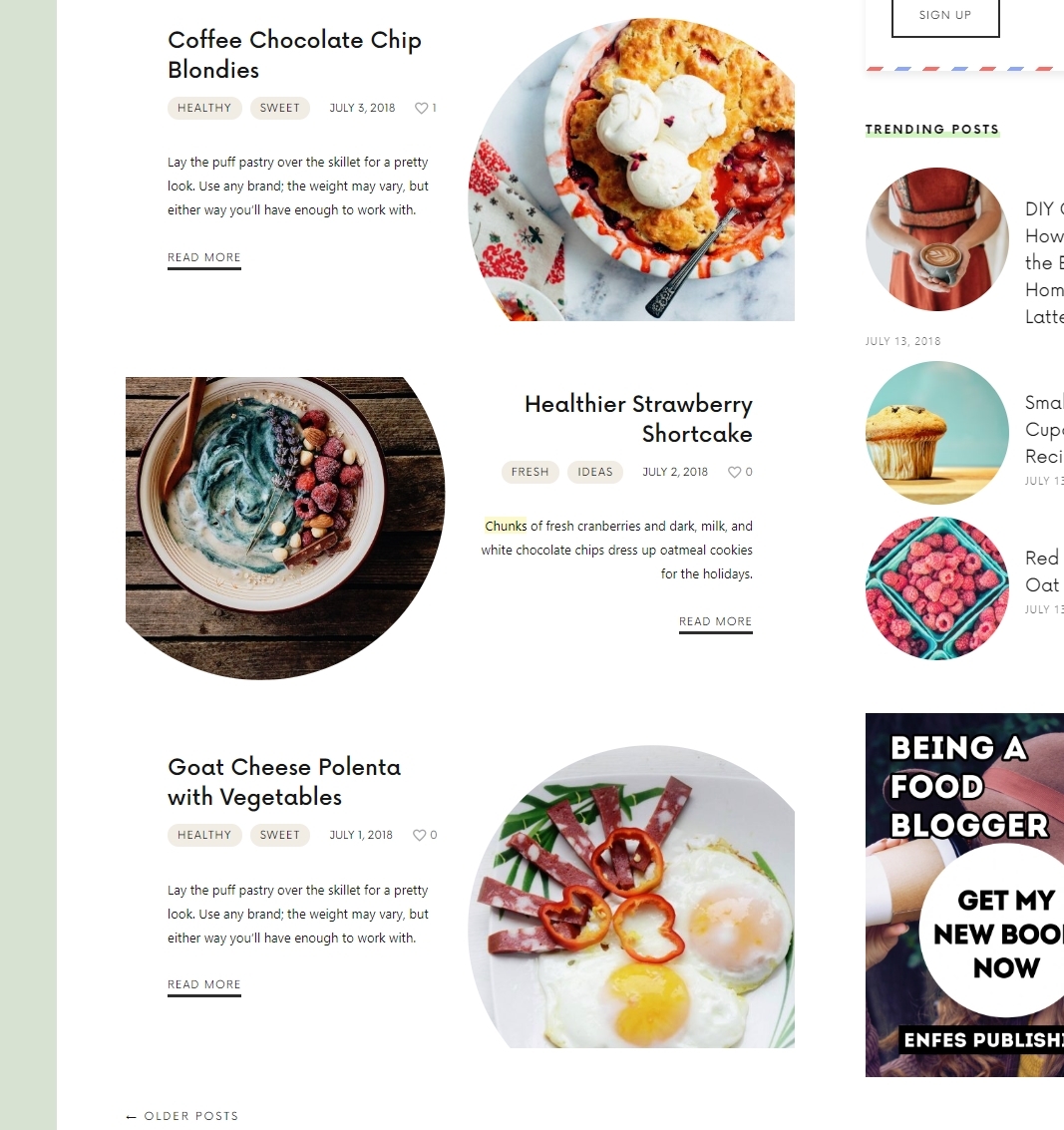
Hi, how to edit post short excerpt on layout-circle on homepage? Shoudn’t be automatically updated with short content from recipe excerpt with read more link?
There is 2 problems here one is I have old cranberry excerpt with read more link to post where I have proper new content/excerpt and 2 some of circle layout posts don’t have this excerpt with read more link. Check gyazo screenshot to see which excerpt I mean –> https://i.gyazo.com/5f4f38b47006239c7b2fe16f4d3d6b1d.jpgand my blog layout-circle posts –> https://gyazo.com/5dc529a2f416250c71f8cc1ce7f693c9
Hi, Please edit your post and check the excerpt box. If you cannot see the excerpt box in the post, please click to screen options on the right top corner of the screen and activate the excerpt box feature. If something is written in the Excerpt box, instead of the automatic excerpt, it recognizes it as a priority.
Go to appearance > customize > blog > exerpt > activate automatic excerpt for all post formats and save it.
ThanksThank you for the reply. Problem solved.
Another problem cooking time display disappeared.
In admin recipe time is displayed, but not in frontend posts.Hi,
Please check your cooking time settings. Maybe, you deleted it accidentally. And also, please deactivate all your third party plugins and try it again.

ThanksThank you for the reply, but the exact problem is cook_time and prep_time is not displayed (minutes). The total time where for example time is 70min display on frontend is “1h min” -> minutes number is missing in this example should be 1h 10min. Everywhere where minutes should be displayed value is empty and label “min” is displayed only. Yes on backend admin panel in the recipe all values are set in minutes and correctly displayed in settings. Problem is on clear installation w/o 3rd party plugins. Any other idea?


You must be logged in and have valid license to reply to this topic.