Hello,
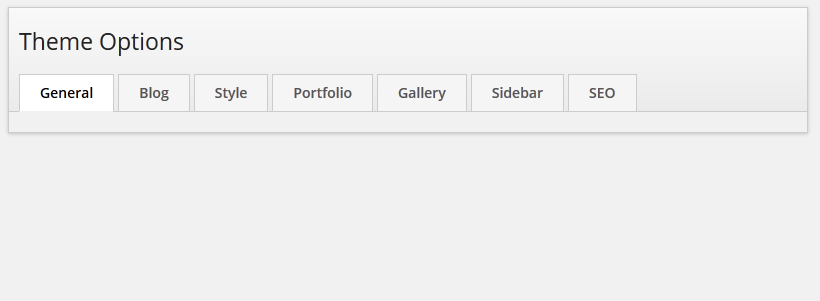
I first had a problem with fonts not displaying diacritics, but I’ve checked the code, and saw the get_option variable that should have fixed that. Then, i normally went to Appearance -> Theme Options and surprise: the tabs wouldn’t load!
Hi, you can change fonts from theme customizer by navigating to appearance > customize > fonts. Also, you can add extra character sets to the fonts from theme options > style.
Thanks
Viewing 2 posts - 1 through 2 (of 2 total)
You must be logged in and have valid license to reply to this topic.