Forum Replies Created
list of topics you have created till now.
-
-
Here are some examples taken from my site at http://www.jamesclark.com:
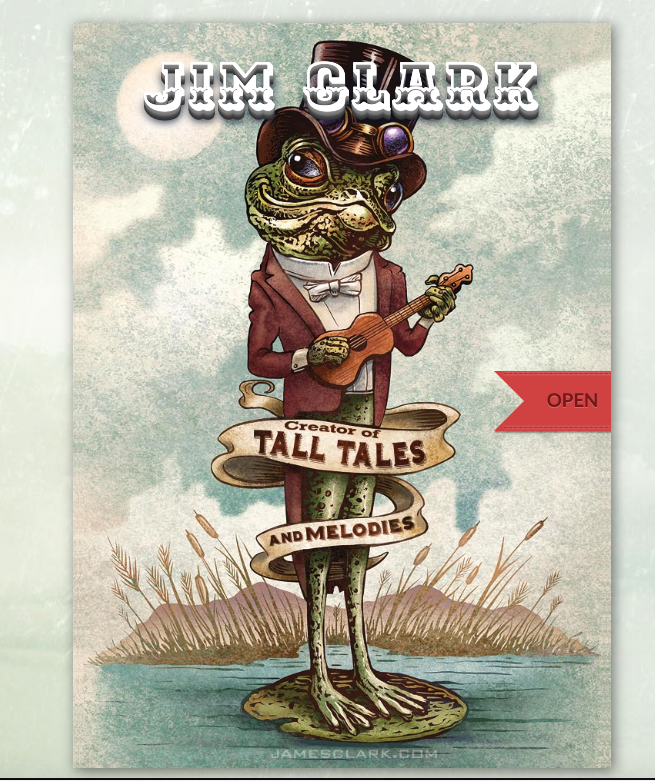
The homepage looks like this in 4.8.1:
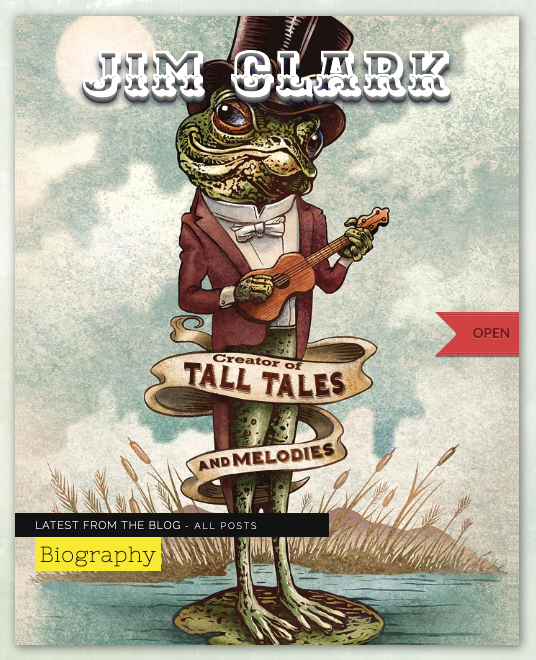
https://swagazine.com/etc/example/homepage-481.pngBut it looks like this in 4.8.9:
https://swagazine.com/etc/example/homepage-489.png
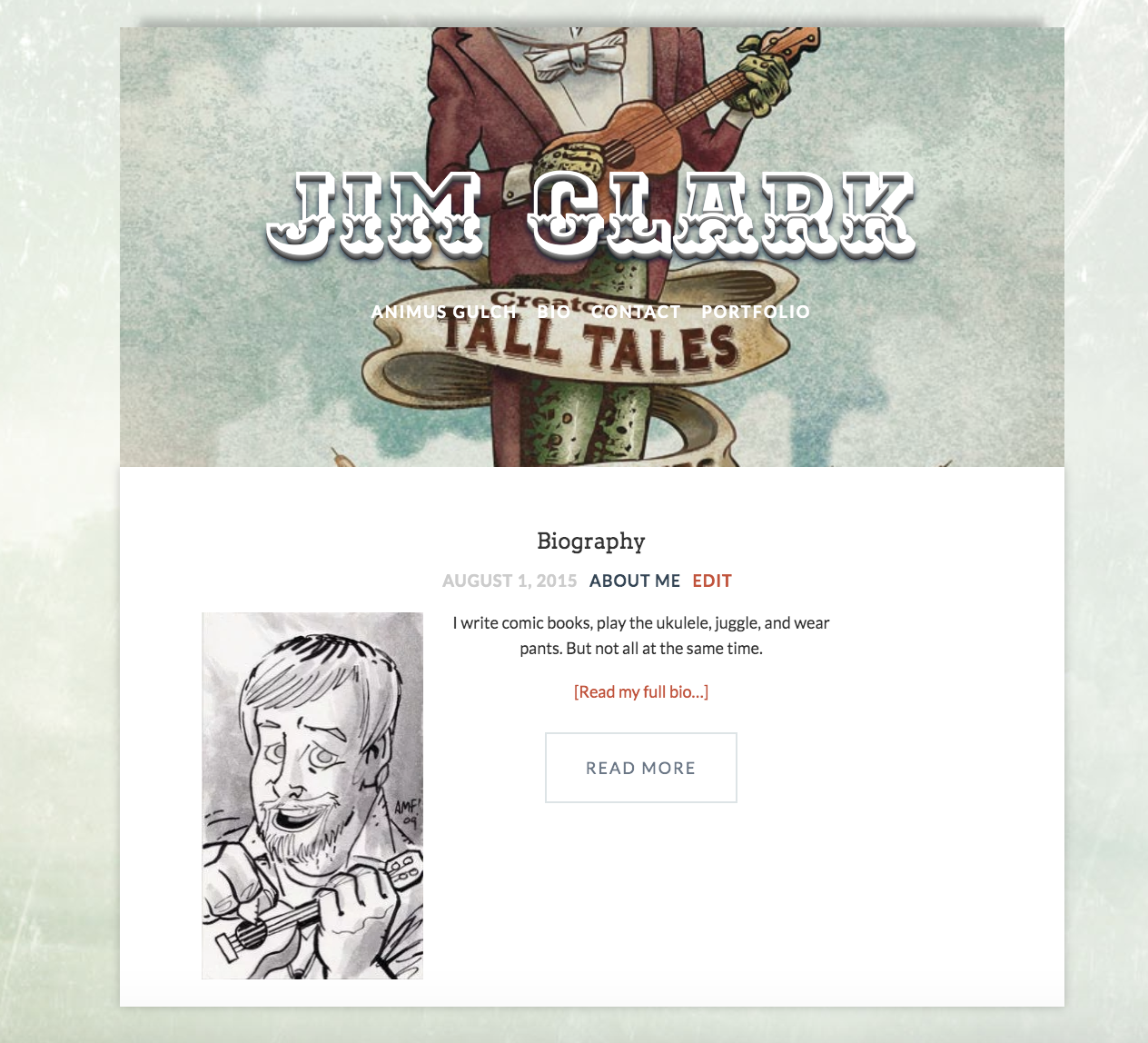
(I need to get rid of the “Latest from the blog” and post title from the bottom of the page.)When you open up the bookcard, the inside left page looks like this in 4.8.1:
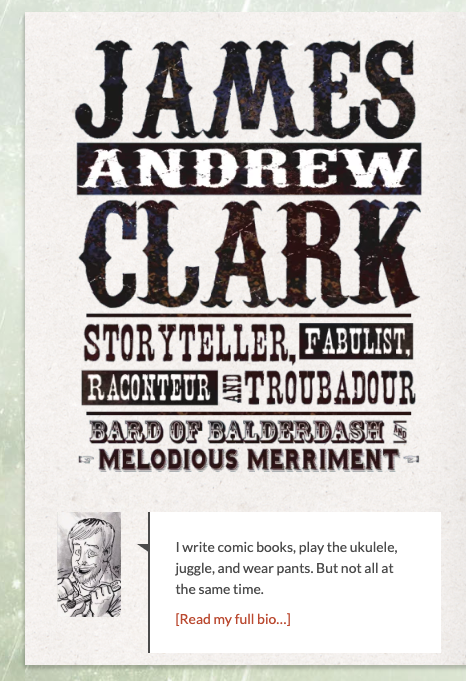
https://swagazine.com/etc/example/insideleft-481.pngBut it looks like this in 4.8.9:
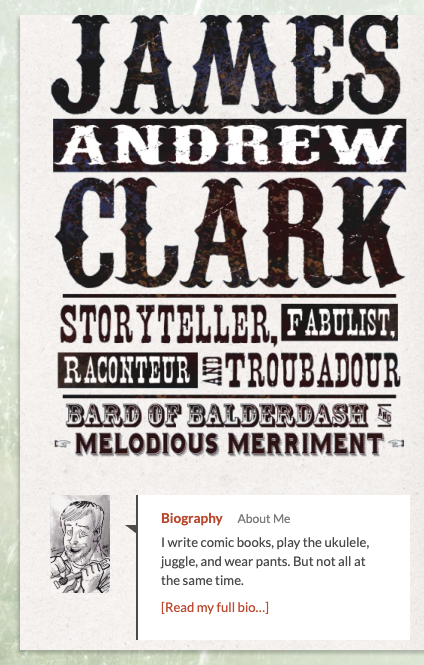
https://swagazine.com/etc/example/insideleft-489.png
(Need to get rid of the blog post title which currently reads “Biography About Me” in the post)The inside middle looks like this in 4.8.1:
https://swagazine.com/etc/example/insidemiddle-481.pngBut it looks like this in 4.8.9:
https://swagazine.com/etc/example/insidemiddle-489.png
(Note how different the font looks. Also, at my current screen resolution it will only show 1 column of portfolio entries, whereas in 4.8.1 it will show 2.)The inside right page has the same font problem at the top of the page. Here it is in 4.8.1:
https://swagazine.com/etc/example/insideright-481.pngAnd here it is much thinner and different in 4.8.9:
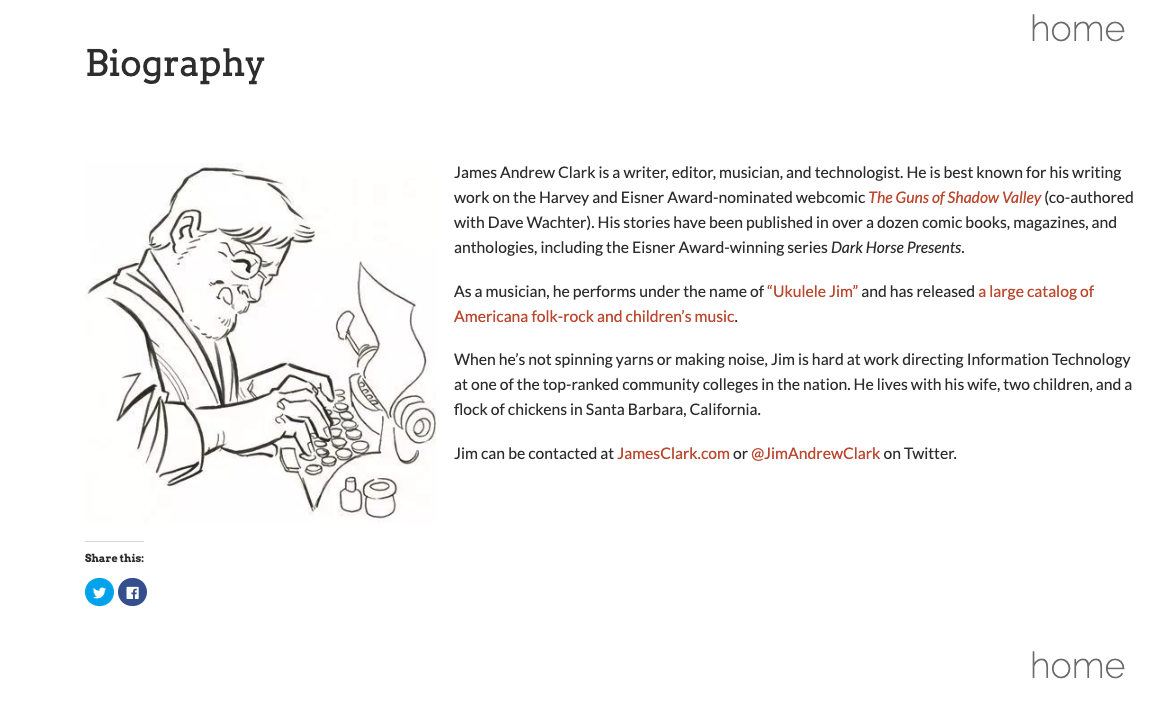
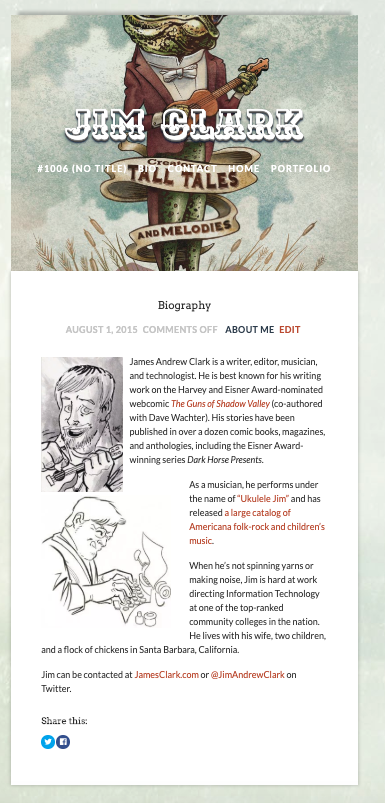
https://swagazine.com/etc/example/insideright-489.pngThe worst part, however, is the actual blog post. On my site, I only have 1 blog post and it’s for my bio. It looks like this in 4.8.1:
https://swagazine.com/etc/example/blogpost-481.png
(Nice and clean, nothing at the top except the link that goes back to Home, 1 image on the left.)But in 4.8.9, it’s completely different:
https://swagazine.com/etc/example/blogpost-489.png
(The banner image and page links at the top need to be removed, the date/comments/subtitle need to be removed. Additionally, there are now two images there. The first image with the ukulele is the one that is used by the theme when you close the bookcard and it appears on the inside as it’s being folded, so it shouldn’t be showing up here.)Could you please help me tweak 4.8.9 so it looks like how I have it set up in 4.8.1?
Thanks. I got most of that working, but I think I need to stay with 4.8.1. There are too many things that are broken in the newest version:
When I click on a post, I am presented with a header image that has all the pages listed, which is completely different than how I have it now and not at all what I want. I prefer it the way it looks now… if you look at my current blog page (go to my site, open the card, click on “about me” in the bottom left) you will see how clean and simple it looks in 4.8.1… but in the new version, it looks completely different from the rest of the bookcard.
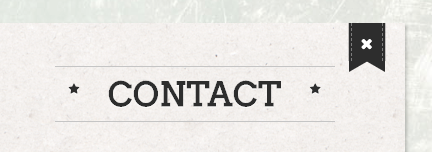
The fonts across the top (“Portfolio”, “Contact”) inside the folding card have changed significantly, too.
It seems like much has changed, and not necessarily in a good way. If you can tell me how I can get the new version to look exactly how I have 4.8.1 set up, I would greatly appreciate it. I can provide screenshots of the differences if you need.
Thank you!
Thank you. However, the problem is that in the “Reading” settings, I don’t have a page to set as “Homepage”. Version 4.8.1 did not require this, so I don’t have one created. What do I do to make it look like my current site does in 4.8.1? What should go in a “Homepage” page?
I’m sorry, but I am not understanding those instructions. Where is “Reading Settings”?
Where exactly do I choose “Homepage” — what “edit screen” are you referring to?
Please provide step-by-step instructions for the above. Thank you!
Here’s a working link to the image showing the page not displaying correctly:
https://swagazine.com/etc/broken.png
As you can see, the layout is completely different than the current version. I have no idea how to configure the new version to make it look like 4.8.1.
Since the auto-update doesn’t work, I went ahead and followed the instructions to update the plugin manually. The new version of the plugin does not work the same way as the old plugin.
For example, here’s how my site looks on v4.8.1 (current version installed): http://www.jamesclark.com
And here’s what the site looked like when I activated 4.8.9: https://jamesclark.com/etc/broken.png
Something changed considerably between these versions and I don’t know how to fix it.
I tried updating the theme via the Envato Market plugin but it didn’t work. The plugin tells me “Update Available” but when I try to update, I get “Update failed: The theme is at the latest version.”
I’m running 4.8.1 and the latest appears to be 4.8.9
Are you able to help me upgrade to the latest version of Bookcard without losing any of my settings or configuration? What should I do?
I figured out why the images wouldn’t load. I had to disable the “lazy load” feature in Jetpack, then the images started loading again.
As I said, I can’t run the latest version of Bookcard because there’s no straightforward upgrade path. None of the settings carry over and I’d have to set it up from scratch, but the config menus are totally different. There no manual for upgrading that I’ve seen.
but as I said, I’m not running the latest version of Bookcard. Are you still testing the older version against new versions of WordPress?
jimclark509
Participant21 February 2018 at 19:41Posted in : OPEN banner not working properly in ChromeI replaced that file with the newer one and it seems to be working now. Thank you.
Just so you know, I am sticking with 4.8.1 because the newer version breaks several things about my site that I like… the blog post format being one of them.
Participant21 February 2018 at 18:17Posted in : OPEN banner not working properly in ChromeWhich one of those files has the fix for the OPEN banner, and what section of code is it?
Participant19 February 2018 at 19:42Posted in : OPEN banner not working properly in ChromeAll I want is the code to fix this one particular issue in version 4.8.1, I don’t want to completely destroy the design of my site.
Participant19 February 2018 at 19:42Posted in : OPEN banner not working properly in ChromeI just updated it to the latest version and it completely destroyed the layout of my site. Everything I liked about Bookcard was gone… the portfolio pages no longer worked, the blog posts were of a different style, navigation was broken, it was a mess. I just put it back to 4.8.1 because otherwise I would have to rebuild everything from scratch.
The new version is unusable for me. All I want to know is which CSS or JS code I need to fix in order to get the OPEN button to work properly in Chrome in version 4.8.1.
Participant19 February 2018 at 03:25Posted in : OPEN banner not working properly in ChromeI’ve confirmed that the problem exists in Chrome for Windows 10 as well.
Correct link for the screenshot is http://www.swagazine.com/etc/screenshot.png
Bummer.
Great, thank you.
Yes, I had just tried experimenting with the color when you were looking at it. Your color code is more correct than what I tried. Thank you for your help!
That works well, thank you.
Thank you, that worked well. But how do I get the mouseover color to be orange instead of black? The Facebook icon mouseover is blue, YouTube is red, etc. But the Soundcloud one is black and I’d like it to be orange.
It looks to me like the 2em of padding in the .portfolio-field is what’s causing the gap, because each image is in it’s own portfolio-field.
However, if I do this:
.portfolio-field { padding-top:0em; }
…then the top of the page looks bad because there’s not enough gap above and below the portfolio title. So I’m not sure how to fix this.
That didn’t make a difference. I even tried it with 2px and there’s still a 1 inch gap between them.
That did it, one of the plugins was messing with it. Thank you.
The lightbox only seems to work with tracks, not playlists. Is that correct?
Still doesn’t work. I pasted the text exactly as you’ve written it here. When I click on the portfolio item, the lightbox appears but then suddenly the page navigates away to Soundcloud and plays the track full screen. See for yourself.
Did you look at my site to see what it’s doing? It’s launching the URL that I copied and pasted, as per the directions in that thread. But it does not launch inside the lightbox.
I did that. It still doesn’t work.
I’d actually like to know how to do this. I’d like to rearrange the order of the pages so that Resume is in the middle and Portfolio is on the left.
Ok, I wasn’t sure if that was something that could be adjusted via custom css like the other things.
Thanks for all your help!
That helped, thank you!
I have one more thing I need help with on the “about me” page. I’d like to hide the “Text logo” and “Tagline” on the “About me” page only. It’s redundant there for me because the image on my “about me” page has my name and tagline already. Can this be done?
That didn’t seem to make a difference.
Sure, here’s a screen shot:
https://www.dropbox.com/s/4f62q7gb7senraz/Screenshot%202014-08-24%2008.47.32.png?dl=0
And here’s the page in question: http://www.jamesclark.com
Thanks.
That worked, thank you!
However, now it just leaves an empty space where the caption would be. Is there any way to get rid of the space where it was, essentially moving everything on the “about me” page up a bit?