Forum Replies Created
list of topics you have created till now.
-
-
Hi, you can use the inline slider shortcode in a column shortcode.
Thanks
Mehmet S.
Keymaster29 October 2013 at 02:40Posted in : Homepage to show summary instead of entire postOk, good luck.
Do you mean the regular pages?
Hi, the go to top button is provided by a plugin. Please check plugin section in the documentation.
Thanks
Hi, just tested on the latest version (v4.5) and worked. I checked your site, you have v4.4. Please update to the latest version and try again.
Thanks
Hi, just tested on the latest version (v4.5) and worked. I checked your site, you have v4.4. Please update to the latest version and try again.
Thanks
Hi, just tested with the Async Social Sharing plugin and worked. Did you select your options in the plugin’s settings page?
Can you share the plugin here? Then, I will do a test.
Hi, set the parameter to yes:
[contact_form captcha="yes" to="" subject=""]
Thanks
Hi, how did you add a Pinterest widget?
Hey, this is the post title link color:
h1 a { color: #333; }Hey, please don’t use flickr url for the images.
– upload your image to the Media Library,
– copy the image File URL,
– use it in the src=”” parameter of the shortcode.
Thanks
You are welcome!
Change the green post title hover color:
– add this to your custom css field:
.site-content h1 a:hover { color: grey; }Thanks
Yes, you are right. Thanks for the feedback.
Hi, please use Inline Slider shortcode within your post.
– See your documentation for more info.
Thanks
Can you provide your url?
Note: This theme has an unlimited sidebars functionality. You can create new sidebars under Theme Options > Sidebar.
Hey, the two images are same.
Hi,
– create a new page with title “Portfolio”,
– select it from the option under Theme Options > Pages > Portfolio Page.
Thanks
Hi, please see the post http://www.pixelwars.org/forums/topic/social-media
Hi, I have not tested with qtranslate plugin. So the theme may not be 100% compatible with that plugin. I will test the theme with qtranslate when i am available.
Thanks
You are welcome!
Hi, I’m planning to solve this issue in this week. Thanks for your patience.
Hey,
– set your Permalink Settings to Post name option.
– set Featured Images to your portfolio items.
Thanks
Hi, use this custom css:
body.single-post .featured-image { display: none; }Thanks
Thank you.
Hi, use this custom css:
.blog-masonry .more-link { display: none; }Note: Masonry hasn’t got a sidebar.
Thanks
Thank you.
Hi, you are talking about multiple portfolios. Please see the Portfolio and Portfolio Item Types sections.
Thanks
Hi, I see your site now. It looks good.
Thanks
Hi, create departments to have filters. The demo site has lightbox_image shortcode for the portfolio lightbox gallery.
Thanks
Hi, I see a blank page in your url. What was going wrong?
Hi, it is under Theme Settings > Home > Slider > Slide Animation Type.
Thanks
Hi,
– create a new page,
– select Page with Sidebar template.
Note: I will do a test for the search result page.
Thanks
Hi,
– create a new page,
– select Portfolio template,
– add this page to your menu.
Thanks
Hi, it is under Theme Options > Style > Nav Menu Search.
Thanks
Thank you.
Keymaster21 October 2013 at 02:27Posted in : Your session has expired. Please log-in againThank you.
Hi,
– go to Appearance > Editor > post-sidebar.php
– find the line:
<a class="icon button back" href="<?php echo get_home_url(); ?>"><?php echo __( 'home', 'bookcard' ); ?></a>
– put your posts url:
<a class="icon button back" href="put-your-posts-url-here"><?php echo __( 'home', 'bookcard' ); ?></a>
Thanks
Hi, you can edit the format-standard.php file.
Thanks
Hi, I will do a test soon.
Thanks
Contact form http://www.pixelwars.org/contact
Can you provide your URL?
I will add that feature on a next update.
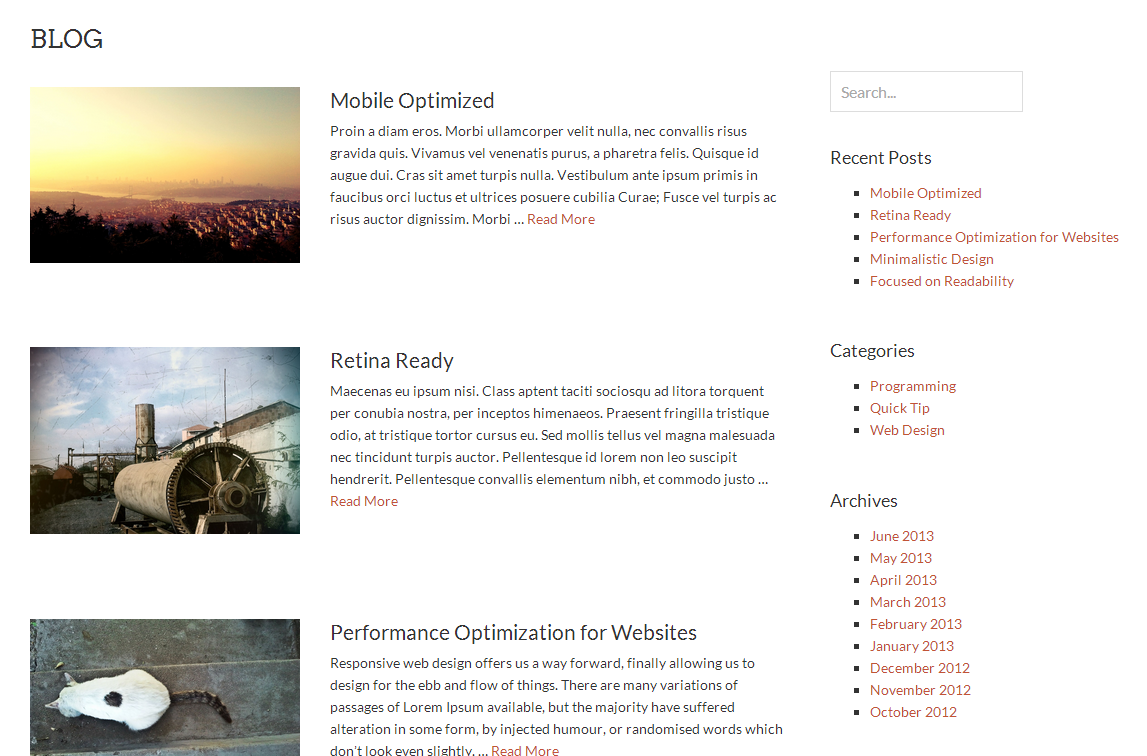
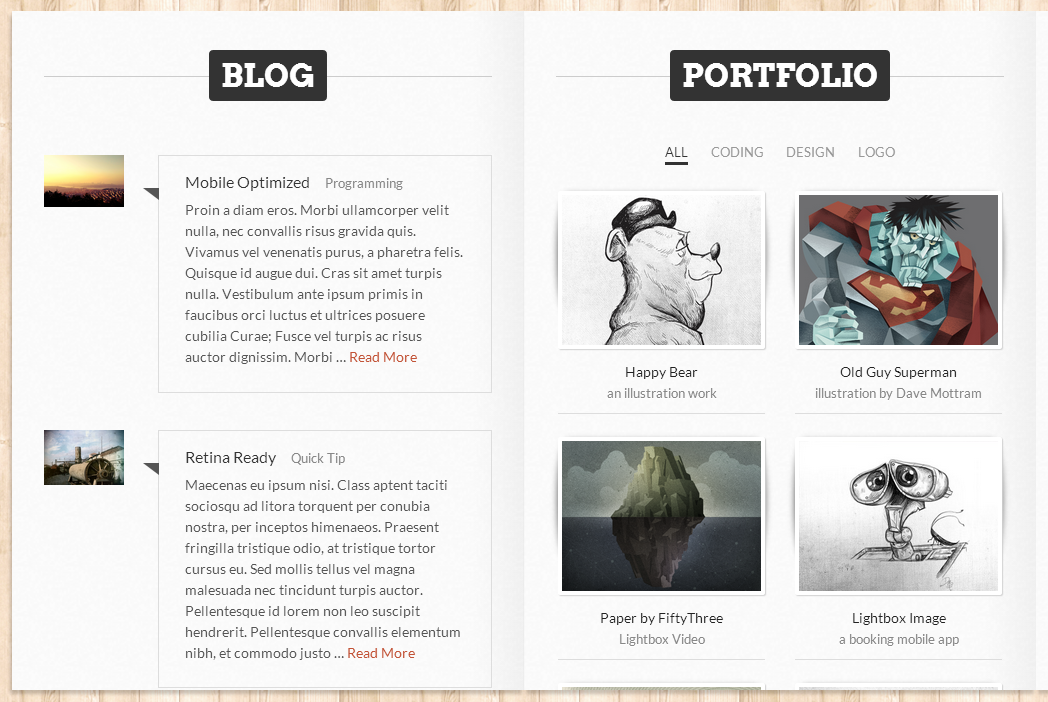
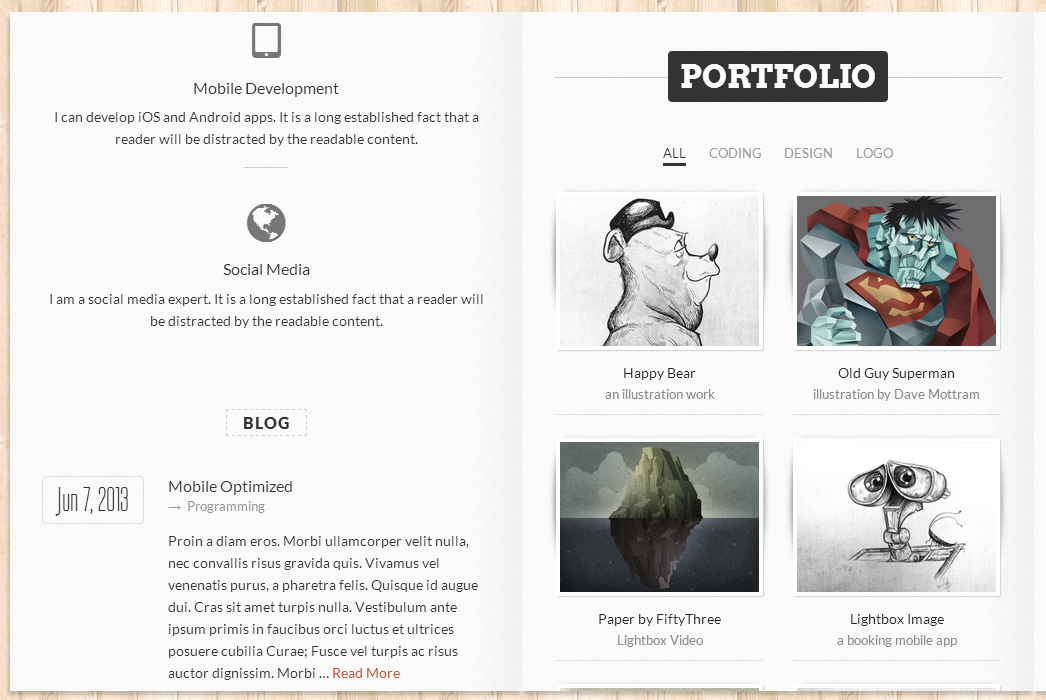
You can add four type of blog page.
See in the images: Type 1, Type 2, Type 3, Type 4
You can also use the resume and blog pages together. The blog page will be placed to the bottom of the resume page.
Note: Please take a look to blog section of the theme documentation.
Thanks
It is weird. Please contact your host.
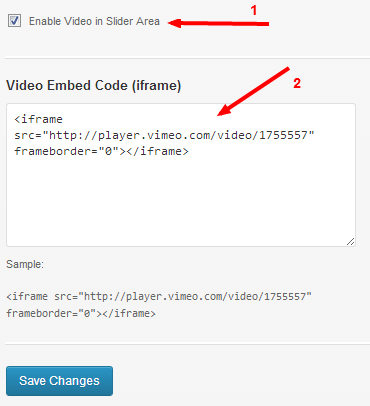
No, it isn’t. You can add a video instead of the slider via theme settings > home > slider.
See in the image:
Hi, paste to theme options > general > copyright text:
<div style="float: left;">
<a href="#page">Go to top</a>
</div>
<div style="float: right;">
Copyright 2013 Pixelwars. All Rights Reserved.
</div>
<div style="clear: both;"></div>